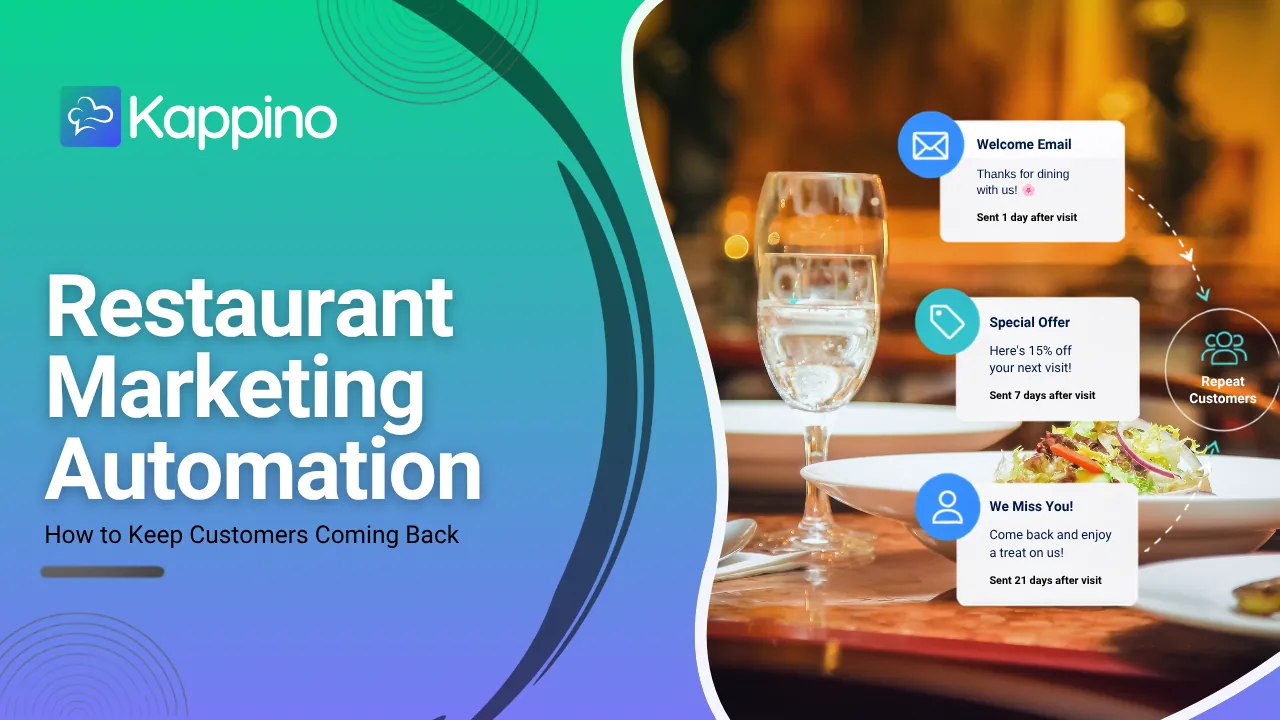

A regular who stops coming rarely announces it. They just come less often, then not at all. A win-back email reminds them you are there, with a reason to return. This guide shows how to set one up with Kappino’s email marketing and marketing automation, and which parts run on their own.
Step 1: let the audience build itself
You do not need to export a list. Kappino’s customer directory fills up automatically from POS orders, with order counts, lifetime value and loyalty tier on each profile. From that data, the at-risk audience includes every customer with no order in 30 days or more, and it updates itself as guests come and go.
Only customers with an email address can receive campaigns, and anyone who has unsubscribed is left out automatically.
Step 2: decide what you are offering
A win-back email works best with a specific reason to come back, chosen by you: a midweek set menu, a new seasonal dish, an evening event. Keep it short and concrete.
Step 3: write the email from a template
Create a campaign, start from a ready-made template instead of a blank page and adjust the wording, offer and layout. Add personal details, such as the guest’s name, so the email reads as written for them. Campaigns are saved as drafts until you are ready.
Step 4: preview who will receive it
Choose the at-risk audience and preview the recipients before you send, so you know exactly who will get the email.
Step 5: send now or schedule
Send the campaign straight away, or schedule it for a date and time, for example Thursday morning ahead of the weekend, and Kappino sends it for you. You can write it on a quiet afternoon and let it go out when it is most useful.
Step 6: see whether guests came back
Kappino does not report per-campaign opens and clicks today. To judge a win-back campaign, watch returning guests and order counts in the customer directory in the days after you send it.
What runs automatically
- The at-risk audience keeps itself up to date from real orders.
- Scheduled emails go out on the date and time you set.
- Unsubscribes are honoured: every email has a one-click unsubscribe link and those guests are left out of future sends.
- WhatsApp reminders: when the WhatsApp AI order taker is on, guests with no WhatsApp order in 14 days get a reorder reminder, and guests who leave a cart get a nudge, at most once a day.
What stays in your hands
- The offer and the wording of each email.
- When each campaign goes out.
- Who on your team can create and send campaigns: marketing access is set per role in roles and permissions.
Other audiences worth a campaign
The same steps work for the other audiences: VIP, frequent and new guests (segments you set on each customer profile), high spenders, and Gold and Platinum members of your loyalty programme, for example to give your most loyal guests first access to a wine dinner.
Consent comes first
Email marketing in Europe depends on trust and on GDPR. Send campaigns only to guests who have agreed to hear from you.
Email campaigns are part of the Professional plan. See pricing for what each plan includes.