
A menu that explains itself
Categories, allergens, ingredients, nutrition and options for every dish.
Give guests a clear digital menu on their phone, with buttons and labels in their own language. When you switch on ordering, they can order for dine-in, takeaway or delivery — and orders go straight to the kitchen. It is the same menu your team uses in Kappino, so dishes and prices are always in step — there is nothing separate to maintain.
Categories, allergens, ingredients, nutrition and options for every dish.
Menu labels and buttons appear in English, Italian, German, French or Spanish, picked from the guest’s phone. Dish names and descriptions show as you wrote them.
Dine-in (choose floor, area and table), takeaway with a pickup time, or delivery with address and notes.
Sizes and extras, remove ingredients and add notes for the kitchen, such as allergies.
Cover charge, delivery fee and VAT shown before sending. Items join an open table bill when there is one.
One code per branch that you print once — it never needs reprinting when your menu changes. Dine-in guests pick their table when they order.
Switch ordering off and the QR shows the menu only.
Dine-in, takeaway and delivery are all available as soon as ordering is on.
Menus that switch automatically by time of day, such as breakfast and lunch.
Show items online, on the POS only, or “at the counter only”.
Guests open the menu at the table or the counter and order without waiting for a server; ordering can be switched off when you only want to show the menu.
Takeaway with a pickup time and delivery with address and notes come in through the same menu as dine-in orders.
Dine-in guests choose their floor, area and table, and items join the open table bill when there is one.
Each branch has its own permanent QR code.
Decide whether the QR shows the menu only or also takes orders, and which order types you accept.
One code per branch. It never needs reprinting when dishes or prices change.
They open your menu on their phone — no app to install.
Choose dishes, options and order type, then review.
“Order sent!” — the order arrives in Kappino and on your kitchen display.
The QR menu shows the dishes, categories, options, allergens and nutrition you manage in Kappino’s menu. Scheduled menus switch by time of day.
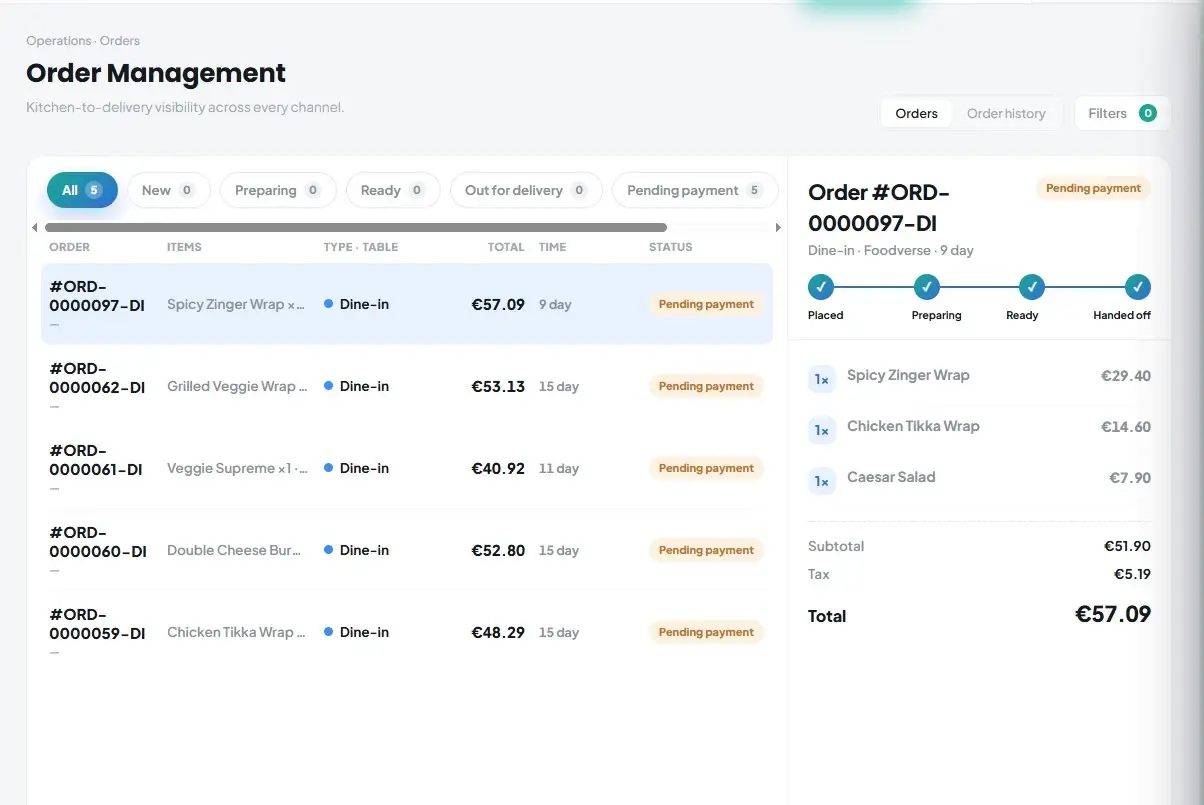
QR orders appear on the live orders board and on the kitchen display next to POS and website orders.
Dine-in orders go to the table the guest chose, and join its open bill.
Staff record how each order was paid — cash, card, wallet, QR or meal voucher — in Kappino.
POS, orders, kitchen flow, inventory, reporting and AI tools built for modern restaurant operations.