
Choosing restaurant management software is not about finding the platform with the longest feature list.
It is about finding a system that fits how your restaurant actually operates.
A café serving mostly counter orders has different requirements from a full-service restaurant managing tables, reservations and kitchen tickets. A cloud kitchen may prioritize delivery and kitchen workflows, while a restaurant group may need branch-level permissions, centralized reporting and multi-location management.
That is why comparing restaurant software only by price or feature count rarely provides enough information to make a confident decision.
A better approach is to map your restaurant workflows first and then evaluate how well the software connects them.
This guide explains what to check, what questions to ask and how to test restaurant management software before making a decision.
Quick Answer: How Do You Choose Restaurant Management Software?
Start by documenting how your restaurant handles:
- Order management
- Kitchen preparation
- Table management and reservations
- Payments
- Inventory management
- Supplier management
- Menu management
- Staff management
- Reporting and analytics
- Customer activity
- Multi-location management, if applicable
Then evaluate restaurant management software against those real operational workflows.
Pay particular attention to POS and order management, kitchen operations, inventory, staff permissions, reporting, integrations, data access, total cost and scalability.
Do not ask only:
“Does the software have this feature?”
Instead, ask:
“What happens elsewhere in the system when I use this feature?”
The quality of the connection between restaurant workflows can matter more than the number of features listed on a product page.
What Is Restaurant Management Software?
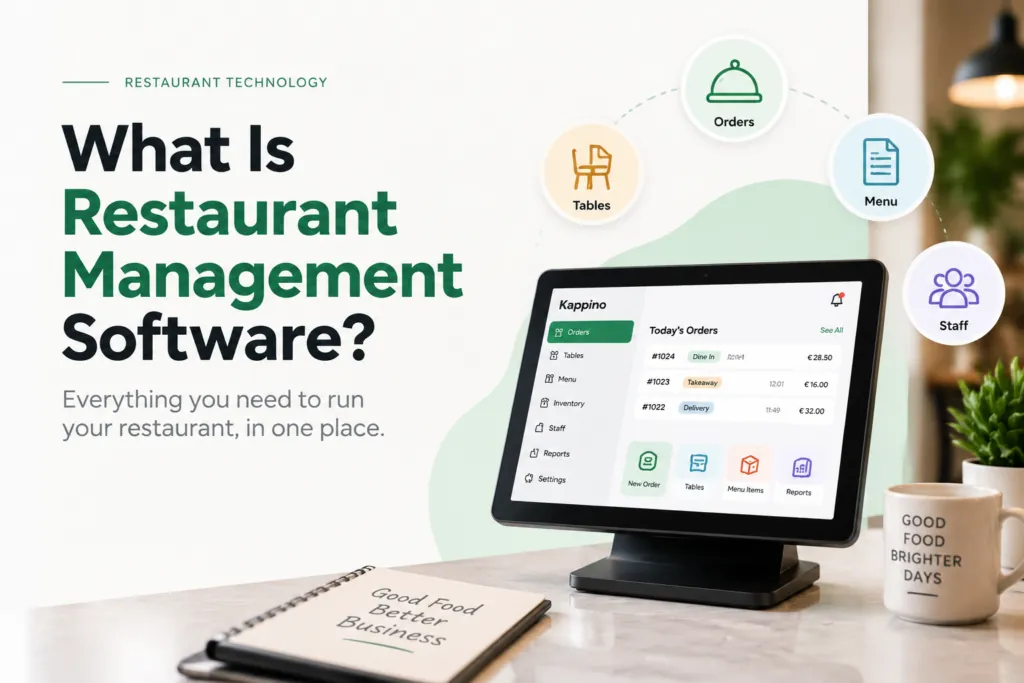
Restaurant management software is a platform used to manage some or all of the operational activities involved in running a restaurant.
Depending on the system, it may include:
- POS
- Dine-in, takeaway and delivery orders
- Kitchen operations
- Table management
- Reservations
- Menu management
- Inventory management
- Supplier management
- Staff management
- Delivery rider management
- Expenses and waste management
- Customer management and loyalty
- Reporting and analytics
- Multi-location management
A traditional POS system mainly focuses on order entry, sales and payments.
A broader restaurant management platform can connect those transactions with other parts of the operation, including kitchen preparation, inventory movement, reservations, staff access and reporting.
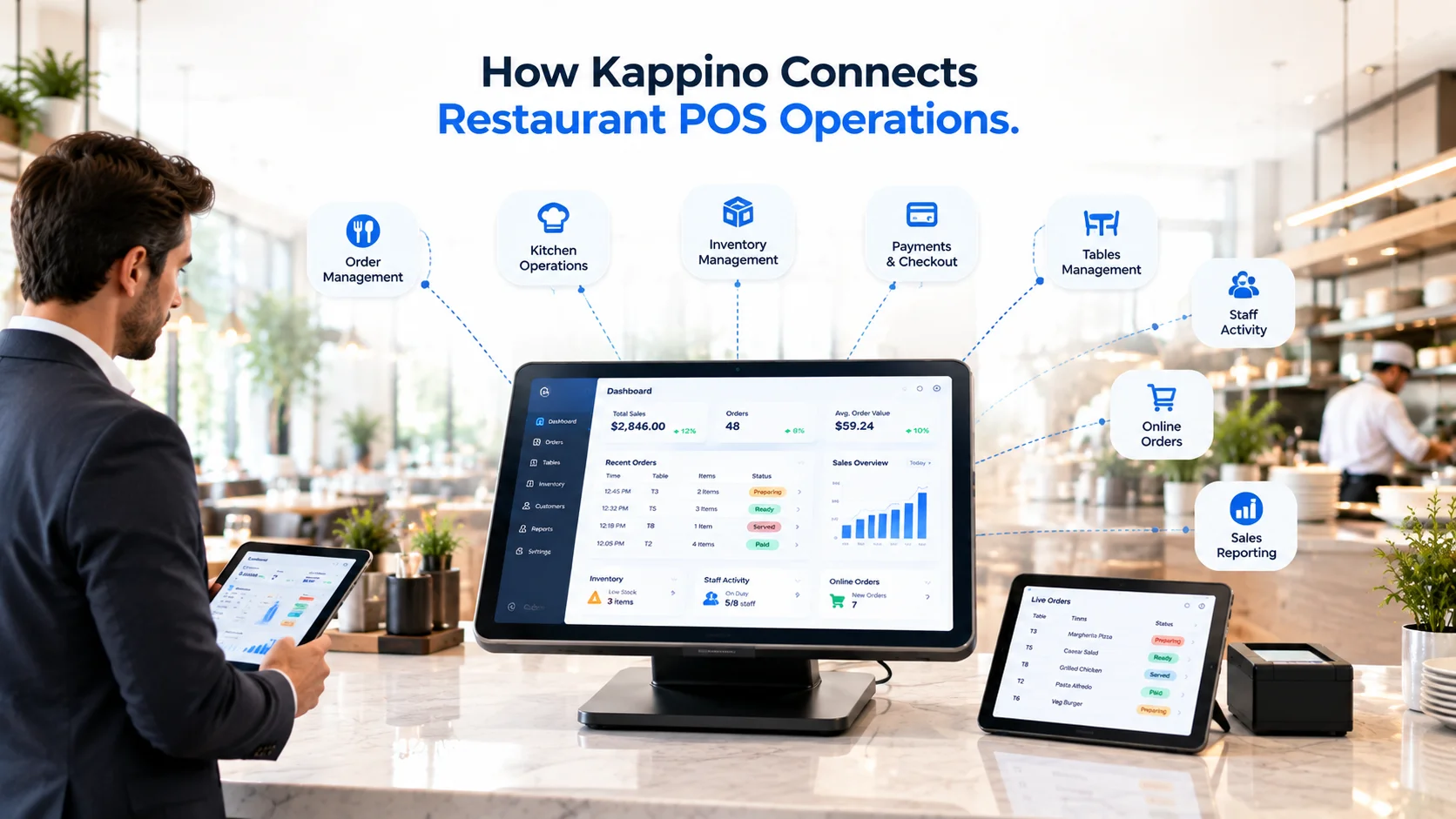
Kappino, for example, organizes its restaurant management platform around connected operational areas including POS, orders, kitchen workflows, inventory, reservations, staff, customers, reporting and multi-branch management.
This provides an important principle when evaluating restaurant management software:
Do not evaluate features only in isolation. Evaluate the workflow between them.
Start With Your Restaurant's Requirements
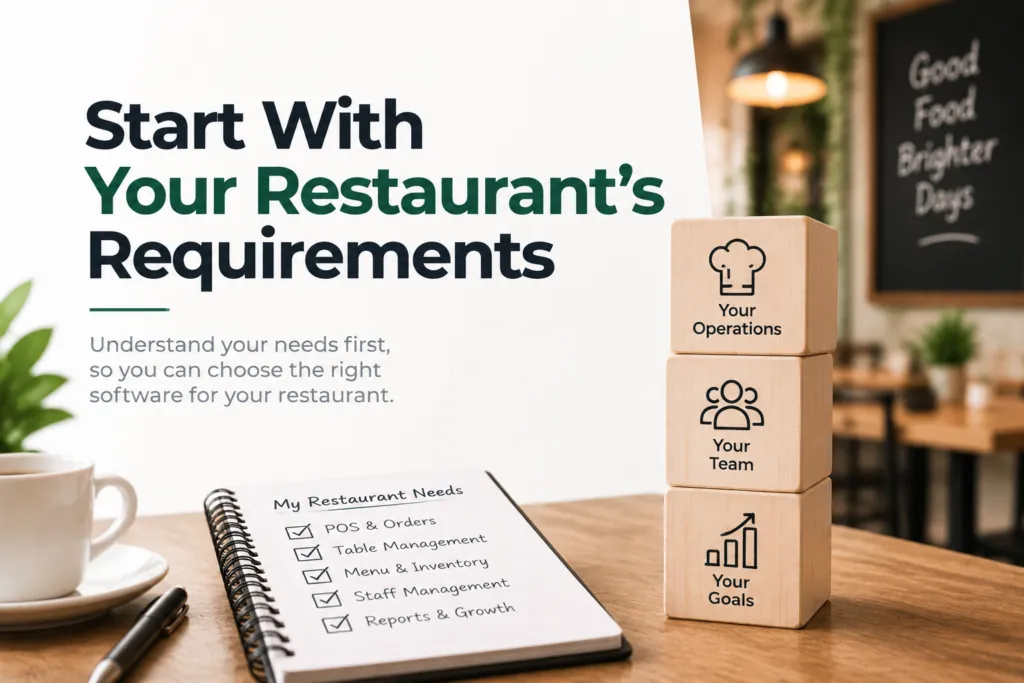
Define Your Restaurant Requirements Before Comparing Software
Before comparing restaurant management software vendors, create a simple profile of how your restaurant operates.
Understanding your requirements makes it easier to evaluate which system fits your current workflows and future plans.
Restaurant Type
Identify your restaurant operating model:
- Café
- Pizzeria
- Full-service restaurant
- Quick-service restaurant
- Takeaway operation
- Cloud kitchen
- Restaurant group
- Franchise
Different restaurant models have different operational priorities.
A table-service restaurant may rely heavily on reservations and table management, while a quick-service restaurant may place greater importance on ordering speed, efficient kitchen workflows, and faster service.
Order Channels
List every way an order enters your restaurant.
Common order channels include:
- Waiter ordering at the table
- Counter orders
- Takeaway orders
- Delivery orders
- Phone orders
- Website orders
- QR code ordering
Then determine whether all of these orders enter one centralized operational workflow or are managed through separate systems.
Restaurant Locations
If you operate more than one restaurant location, consider how your restaurant management software will handle:
- Branch-level permissions
- Centralized reporting
- Location-specific menus
- Different prices by location
- Inventory management by branch
- Staff assignment
- Head-office visibility
Multi-location restaurants should consider whether managers can control individual branches while head office maintains visibility across the wider business.
Restaurant Order Volume
Consider both normal operating conditions and your busiest service periods.
Document important capacity requirements such as:
- Average daily orders
- Peak hourly orders
- Number of tables
- Number of active POS devices
- Kitchen stations
- Simultaneous staff users
A restaurant management system that feels responsive during a quiet demonstration may behave differently when many orders, devices, and staff members are using it simultaneously during peak service.
Existing Restaurant Hardware and Software
Create a list of the restaurant hardware, software, and third-party services you already use.
- Tablets
- POS terminals
- Receipt and kitchen printers
- Kitchen display screens
- Card terminals
- Accounting software
- Restaurant websites
- Payment providers
- Delivery platforms
- Reservation systems
Do not assume that every existing device, platform, or integration will automatically work with a new restaurant management system. Check compatibility before making a decision.
Future Growth Plans
Your restaurant software should support not only how the business operates today, but also how you expect it to develop.
Consider whether you may need to:
- Open another restaurant location
- Add more staff
- Expand delivery operations
- Introduce a customer loyalty program
- Increase online ordering
- Centralize reporting across multiple locations
Choosing restaurant management software that can accommodate expected growth may reduce the cost and disruption of replacing systems as your restaurant expands.
10 Things to Check Before Choosing Restaurant Management Software
1. POS and Order Management
Start with the workflow your staff will use most often.
Do not simply check whether the software has a POS.
Test what happens from order creation until completion.
A typical workflow may look like:
Order created → kitchen receives it → preparation status changes → service staff sees status → payment is completed → reporting is updated
Ask:
- Can staff create dine-in, takeaway and delivery orders?
- Can modifiers and special instructions be added?
- Can orders be edited?
- How are cancelled items handled?
- Can staff see order status?
- Does the order reach the right kitchen area?
- Does completed payment update reporting?
- Does the sale affect inventory where applicable?
Kappino’s order management system documents dine-in, takeaway and delivery orders within a shared operational workflow, while its restaurant POS software includes order entry, modifiers, table management and sales reporting.
The lesson is simple:
Test the entire order journey, not one perfect demonstration order.
2. Kitchen Management and KDS
The kitchen is one of the easiest places to identify disconnected restaurant software.
Check whether kitchen staff can clearly see:
- what was ordered
- where the order came from
- item modifiers
- customer or staff notes
- preparation status
- relevant table or order information
- which station should prepare each item
A useful test is to create an order, send it to the kitchen and then change something.
Check whether the update appears correctly everywhere it should.
For example:
- Create an order.
- Send it to the kitchen.
- Add or change an item.
- Add a note.
- Check the kitchen screen.
- Update the preparation status.
- Check what front-of-house staff see.
This tests synchronization rather than simply confirming that a Kitchen Display System exists.
3. Table and Reservation Management
For table-service restaurants, reservations and POS should not be evaluated separately.
Check whether the software manages:
- table availability
- table capacity
- reservation time
- guest count
- walk-ins
- occupied tables
- table assignment
- linked orders
- current table status
Kappino includes reservation management alongside its wider restaurant workflow.
A useful demo scenario is:
Reservation for four → guests arrive → table assigned → table becomes occupied → order created → bill completed → table becomes available again
That tells you much more than simply watching someone create a reservation.
4. Inventory and Supplier Management
Inventory functionality varies significantly between restaurant platforms.
One system may simply record stock quantities.
Another may connect:
ingredients → menu items → sales → stock movement → purchasing → suppliers
Check whether the system supports the level of inventory control your restaurant needs.
Questions to ask include:
- Can ingredients be tracked?
- Are stock levels visible?
- Are units of measurement supported?
- Can low-stock items be identified?
- Can suppliers be managed?
- Can purchases or received stock be recorded?
- Can waste be tracked?
- Can inventory be separated by location?
- Are stock reports available?
Kappino’s inventory management system connects inventory with wider restaurant operations including orders, suppliers and reporting.
One especially important question is:
What event actually changes inventory?
Is stock changed when:
- an order is created?
- the item is prepared?
- payment is completed?
- inventory is manually adjusted?
- stock is received?
The vendor should be able to explain this clearly.
5. Menu Management
Menus affect much more than what appears on a POS screen.
They influence:
- pricing
- ordering
- kitchen preparation
- item availability
- inventory
- online ordering
Check whether staff can manage:
- items
- categories
- prices
- availability
- modifiers
- visibility
- menus for different service periods
For multi-location restaurants, ask additional questions:
- Can branches have different prices?
- Can one branch hide an item without removing it everywhere?
- Can head office update menus centrally?
- Can branches retain local control where needed?
These workflow questions are usually more important than how visually attractive the menu editor looks.
6. Staff Management and Permissions
Restaurant systems can contain sensitive operational and financial information.
Not every employee should have the same access.
Look for role-based permissions for people such as:
- owner
- manager
- server
- chef
- inventory manager
- delivery staff
Then test those permissions.
For example:
Manager account: can access reports and operational settings.
Server account: can create orders but cannot access sensitive administration.
Kappino’s restaurant staff management tools include employee roles and operational responsibilities.
Do not rely only on a statement that the software “supports permissions.”
Ask the vendor to demonstrate two or three different roles.
7. Reporting and Analytics
Restaurant reports should answer real business questions.
Before a demo, write down the questions you regularly need answered.
For example:
- What sold today?
- Which menu items perform most strongly?
- What are our busiest periods?
- How is each branch performing?
- What happened to stock?
- How are expenses changing?
Then ask the vendor to find those answers.
Kappino’s restaurant analytics tools include operational reporting across areas such as sales, orders and restaurant performance.
The goal is not to have more charts.
The goal is to make useful management information easier to retrieve and understand.
8. Customer Management and Loyalty
Customer tools may be important for restaurants with strong repeat business.
If they matter to your restaurant, check:
- customer profiles
- visit or order history
- loyalty programs
- communication preferences
- consent management
- data deletion
- data export
Kappino also offers loyalty and customer management capabilities within its wider restaurant platform.
The important question is not simply whether a CRM exists.
Ask whether relevant customer information can be used coherently across restaurant workflows.
9. Integrations
Restaurant software rarely operates completely alone.
Make a list of every system you need to keep.
Possible integrations include:
- payments
- accounting
- website
- ecommerce
- delivery
- reservations
- reporting systems
Then classify every required integration.
Status | Meaning |
Live and supported | Available now |
Configuration required | Supported but needs setup |
Custom/API integration | Requires technical work |
Planned | Not currently available |
Do not treat these four statuses as equivalent.
Kappino currently lists integrations such as WordPress and Shopify within selected product capabilities.
If an integration is essential, ask the vendor to show it working.
Do not rely only on a logo or a roadmap promise.
10. Multi-Location Management
Managing several restaurants creates requirements that do not exist in a single-location operation.
Ask:
- Who controls menus?
- Can branches set different prices?
- Can a manager see only one location?
- Can head office see all locations?
- Are reports consolidated?
- Can inventory be separated by branch?
- Can staff be assigned to particular locations?
Kappino’s multi-branch restaurant management system includes centralized management, branch-level visibility, roles and location-specific controls.
When evaluating any multi-location platform, do not settle for:
“Yes, we support multiple branches.”
Ask instead:
“What is centralized, what remains branch-specific and who controls each part?”
Consider How Your Restaurant Actually Operates

Different restaurant models should prioritize different workflows when evaluating restaurant management software.
Café or Coffee Shop
A café or coffee shop may prioritize:
- Fast counter ordering
- Quick payment processing
- Menu availability
- Repeat customer management
- Daily inventory and stock control
- Simple staff workflows
Full-Service Restaurant
A full-service restaurant may prioritize:
- Table management
- Reservations
- Waiter ordering
- Item modifiers and customizations
- Kitchen order routing
- Split bills and payments
- Guest and table flow
Quick-Service Restaurant
A quick-service restaurant (QSR) may focus more heavily on:
- Fast order processing
- Order queue management
- Clear kitchen workflows
- Counter payments
- High-volume order performance
Cloud Kitchen
A cloud kitchen may prioritize:
- Delivery order management
- Order routing
- Multiple menus or virtual brands
- Kitchen production workflows
- Delivery rider handoff
- Inventory management
Restaurant Group
A restaurant group or multi-location restaurant may prioritize:
- Centralized business visibility
- Branch-level permissions
- Location-specific pricing
- Shared or branch-specific menus
- Staff roles and permissions
- Branch-level reporting
- Inventory management by location
The key principle is:
Start with your operating model, not the vendor’s feature list.
Check the Total Cost of Restaurant Management Software, Not Just the Subscription Price
Restaurant management software costs can include much more than the advertised monthly subscription or licence fee.
Calculate the full expected cost of the software based on the configuration your restaurant actually needs.
Software Costs
Check:
- Monthly or annual subscription cost
- Cost per restaurant location
- Cost per POS terminal or device
- User limits or additional user charges
Hardware Costs
Determine whether you need additional restaurant hardware such as:
- Tablets
- POS terminals
- Receipt or kitchen printers
- Kitchen display screens
- Card readers or payment terminals
Setup and Training Costs
Check whether the software price includes:
- Onboarding
- Menu setup
- Data migration
- Initial staff training
- Training for future staff members
Payment and Integration Costs
Ask about:
- Payment processing costs
- Payment terminal costs
- Third-party software subscriptions
- Integration fees
- Custom development costs
Advanced Modules and Features
Check whether advanced restaurant management features are included in your selected plan or require an additional subscription.
These may include:
- Customer loyalty programs
- Advanced analytics and reporting
- AI-powered tools
- Restaurant marketing tools
- Multi-location management controls
Kappino’s feature catalogue separates capabilities across its Starter, Growth and Professional plans.
The lesson for buyers is not to compare restaurant software using only the lowest advertised monthly price.
Compare the total cost of the plan, hardware, integrations, locations and configuration your restaurant would actually need.
Consider Restaurant Data, Security and Compliance
Restaurant management systems can store customer, employee, operational and transaction data, making security and data management important parts of the software selection process.
Before choosing a restaurant management platform, ask:
- Where is restaurant and customer data stored?
- Who can access the data?
- Can staff roles and permissions be configured?
- Can business and customer data be exported?
- What happens to your data if you leave the platform?
- What backup and disaster recovery procedures are available?
- Are important user and administrative actions logged?
- Can customer information be deleted when legally required?
Restaurants operating in Europe should also consider their responsibilities under the General Data Protection Regulation (GDPR).
Using restaurant management software does not automatically make a restaurant compliant with applicable data protection or regulatory requirements.
Compliance can depend on your internal processes, software configuration, data handling practices and local legal requirements.
Tax, receipt and fiscal requirements can also vary by country, so verify country-specific regulations before implementing a restaurant management system.
How to Test Restaurant Software Before Buying
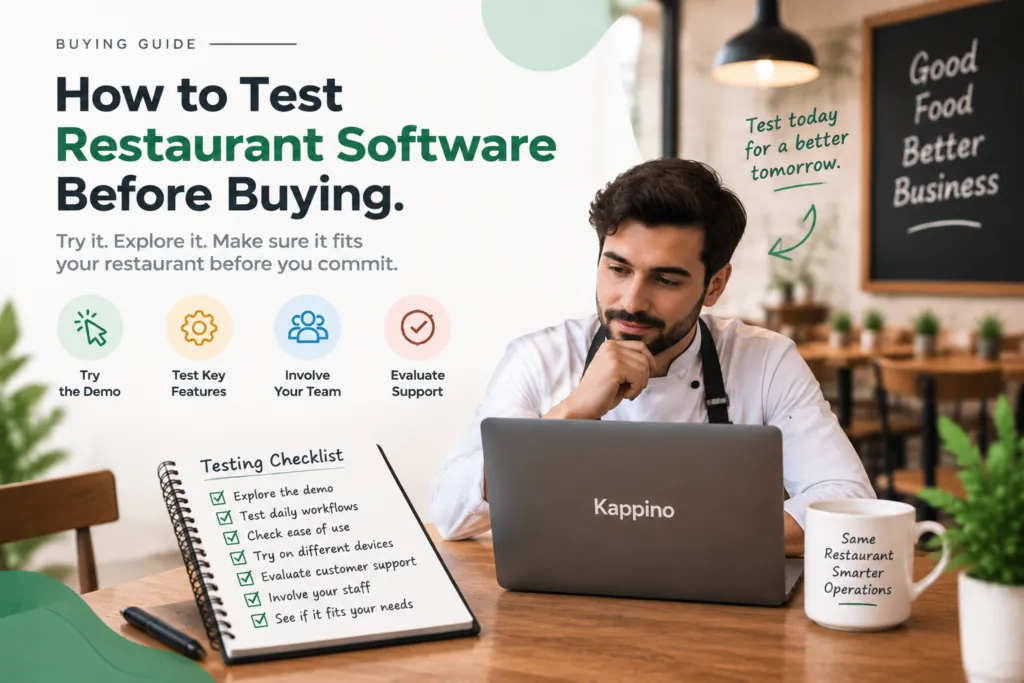
A polished sales presentation usually shows software under ideal conditions.
Your test should reflect real restaurant operations.
Run a complete order test
Ask the vendor to:
- Create a reservation.
- Seat the guests.
- Create an order.
- Add a modifier.
- Add a special note.
- Send it to the kitchen.
- Change something after sending.
- Update kitchen status.
- Complete payment.
- Open the transaction in reporting.
- Show the related inventory activity.
This reveals how well different parts of the system communicate.
Run a permissions test
Ask the vendor to create:
- owner access
- manager access
- server access
Then compare what each role can see and change.
Run an inventory test
Ask them to:
- receive stock
- sell a related menu item
- show the stock change
- record waste or an adjustment
- show the result in reporting
Test your difficult scenario
Every restaurant has one.
It might be:
- dozens of orders arriving quickly
- complicated modifiers
- table changes
- simultaneous delivery and dine-in
- multiple locations operating at once
Describe your busiest or most difficult workflow and ask the vendor to demonstrate how the system handles it.
Use the Restaurant Software Connection Test
One useful way to compare restaurant platforms is to score the connections between features rather than the features themselves.
Score each workflow from 0 to 2.
0 — disconnected or manual
1 — partially connected
2 — automatically connected
Workflow Connection | Score |
POS → Order Management | 0–2 |
Order → Kitchen | 0–2 |
Order → Inventory | 0–2 |
Reservation → Table | 0–2 |
Payment → Reporting | 0–2 |
Staff Role → Permissions | 0–2 |
Branch → Reporting | 0–2 |
Menu → Availability | 0–2 |
A platform can have many impressive features and still create unnecessary manual work if the connections between them are weak.
This simple scoring method can help you compare operational reality instead of marketing checklists.
Restaurant Management Software Evaluation Checklist
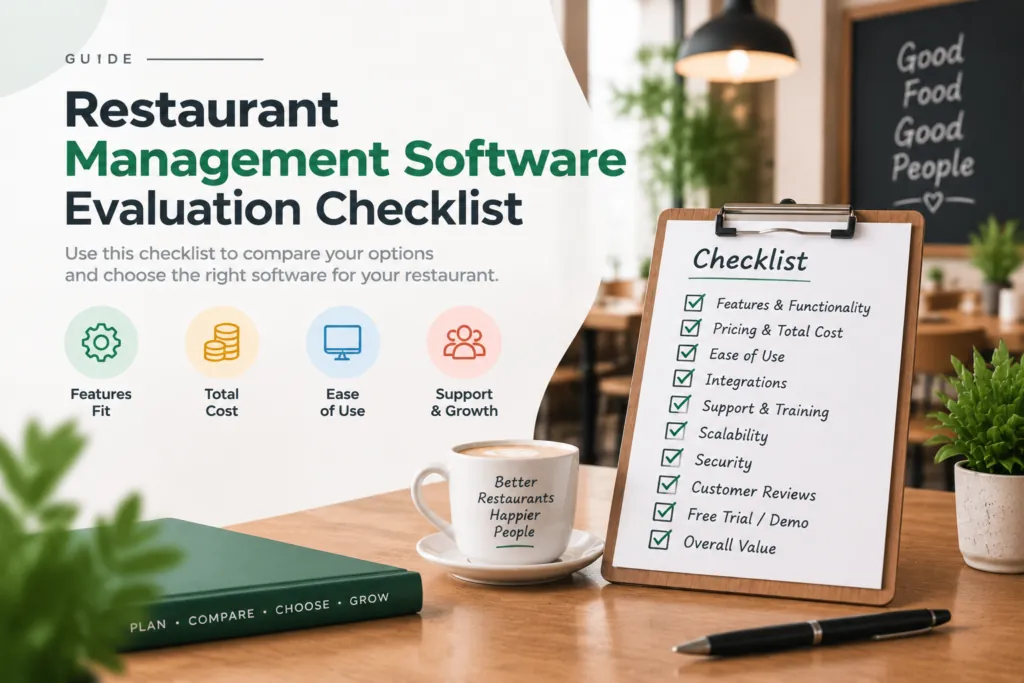
Use this checklist during software demonstrations.
Area | Question to Ask |
POS | Can staff process our actual order types easily? |
Orders | Can dine-in, takeaway and delivery follow clear workflows? |
Kitchen | Do important updates reach the kitchen correctly? |
Tables | Can we see live table status? |
Reservations | Do bookings connect with tables? |
Inventory | What actions automatically change stock? |
Suppliers | Can purchasing and supplier information be managed? |
Menu | Can we manage prices, categories and availability? |
Staff | Can access be restricted by role? |
Reporting | Can reports answer our actual management questions? |
Customers | Can loyalty and customer data be managed appropriately? |
Integrations | Are required integrations live today? |
Data | Can restaurant data be exported? |
Security | How are access, backups and logs managed? |
Locations | Can permissions and reporting work by branch? |
Growth | What happens when we add another location? |
Cost | What is our total annual cost? |
Support | What support is available after launch? |
Warning Signs Worth Investigating
These do not automatically mean a vendor is unsuitable, but they deserve further questions.
Important costs appear late
You should understand hardware, setup, integration, branch, support and payment costs before committing.
Critical integrations are only “planned”
A roadmap feature is not the same as a live integration.
Data export is unclear
Ask the vendor to show how data can be exported.
Permissions are too broad
Staff should not automatically have access to sensitive areas they do not need.
Compliance claims are vague
Ask for documentation relevant to the country where your restaurant operates.
The vendor only demonstrates individual features
Ask to see a complete workflow from order creation through kitchen, payment and reporting.
What Does a Connected Restaurant Platform Look Like?
Kappino provides one example of the connected-platform approach.
Its current product structure brings together areas including:
- POS and order management
- kitchen operations
- inventory and suppliers
- tables and reservations
- staff
- delivery
- customer management
- reporting
- multi-branch management
You can review the current Kappino feature catalogue and compare those capabilities against your own restaurant requirements.
The point is not that every restaurant needs every module.
It is that the information created in one part of the restaurant should move logically into the next part of the operation.
Looking for a Connected Restaurant Management Platform?
If your restaurant needs POS, orders, kitchen workflows, inventory, reservations, staff management, reporting or multi-location control within a connected environment, Kappino is one platform you can evaluate using the checklist in this guide.
During a demonstration, do not simply watch a presentation.
Use your actual restaurant workflow.
Create an order.
Send it to the kitchen.
Modify it.
Check inventory.
Complete payment.
Open reporting.
Test staff permissions.
If you have multiple restaurants, repeat the process across branches.
You can contact Kappino and explain your restaurant type, number of locations and operational requirements before evaluating the platform.
Conclusion
Choosing restaurant management software should begin with your restaurant, not the software.
Map how your operation currently works.
Understand:
- where orders come from
- how they reach the kitchen
- how tables and reservations interact
- how stock is controlled
- how staff access is managed
- how reporting is used
- which existing tools must remain connected
- how your restaurant may grow
Then evaluate each platform against those workflows.
Do not simply count features.
Test the connections between them.
Do not compare only monthly subscription prices.
Calculate the cost of the actual configuration you need.
Do not accept “integration available” without understanding whether it is live, configurable, custom or still planned.
And do not accept “scalable” without testing how the system handles additional staff, devices, service channels and locations.
The right restaurant management software is the system that fits your operating model, supports practical workflows for your team and gives you the level of control your restaurant requires.
Frequently Asked Questions
What should I look for in restaurant management software?
Look for the functions your restaurant genuinely needs, such as POS, orders, kitchen management, tables, reservations, inventory, staff permissions, reporting, integrations and multi-location management.
More importantly, test how those functions connect with each other.
How do I choose a restaurant management system?
Document your restaurant type, locations, order channels, staff, hardware, existing software and growth plans.
Then compare systems using the same realistic operational scenarios instead of relying only on feature lists.
What is the difference between a POS and restaurant management software?
A POS primarily handles order entry, sales and payments.
Restaurant management software may extend beyond the POS to connect kitchen operations, inventory, reservations, menus, staff, customers, reporting and multiple locations.
How much does restaurant management software cost?
Costs vary depending on the vendor, number of locations, hardware, users, modules, integrations and support.
Compare total expected cost rather than only the advertised monthly subscription.
Can restaurant management software manage inventory?
Many platforms can, but the depth of inventory functionality varies.
Ask whether the system tracks ingredients, stock levels, suppliers, waste and branch-level inventory, and determine exactly which actions update stock.
Can restaurant management software manage multiple locations?
Some platforms are specifically designed for multi-location operations.
Look for centralized reporting, branch permissions, menu controls, local pricing, staff assignment and inventory separation rather than only a location switcher.
What should I ask during a restaurant software demo?
Ask the vendor to demonstrate your actual restaurant workflow from order creation through kitchen preparation, payment, reporting and inventory.
Also test permissions, required integrations, data export and multi-location functionality where relevant.
How do I know whether restaurant software can scale with my business?
Ask what happens when you add employees, terminals, kitchen stations, ordering channels and additional locations.
A practical demonstration of those scenarios is more useful than a general claim that the software is scalable.