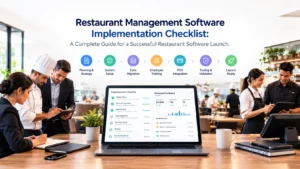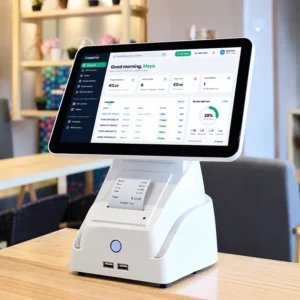

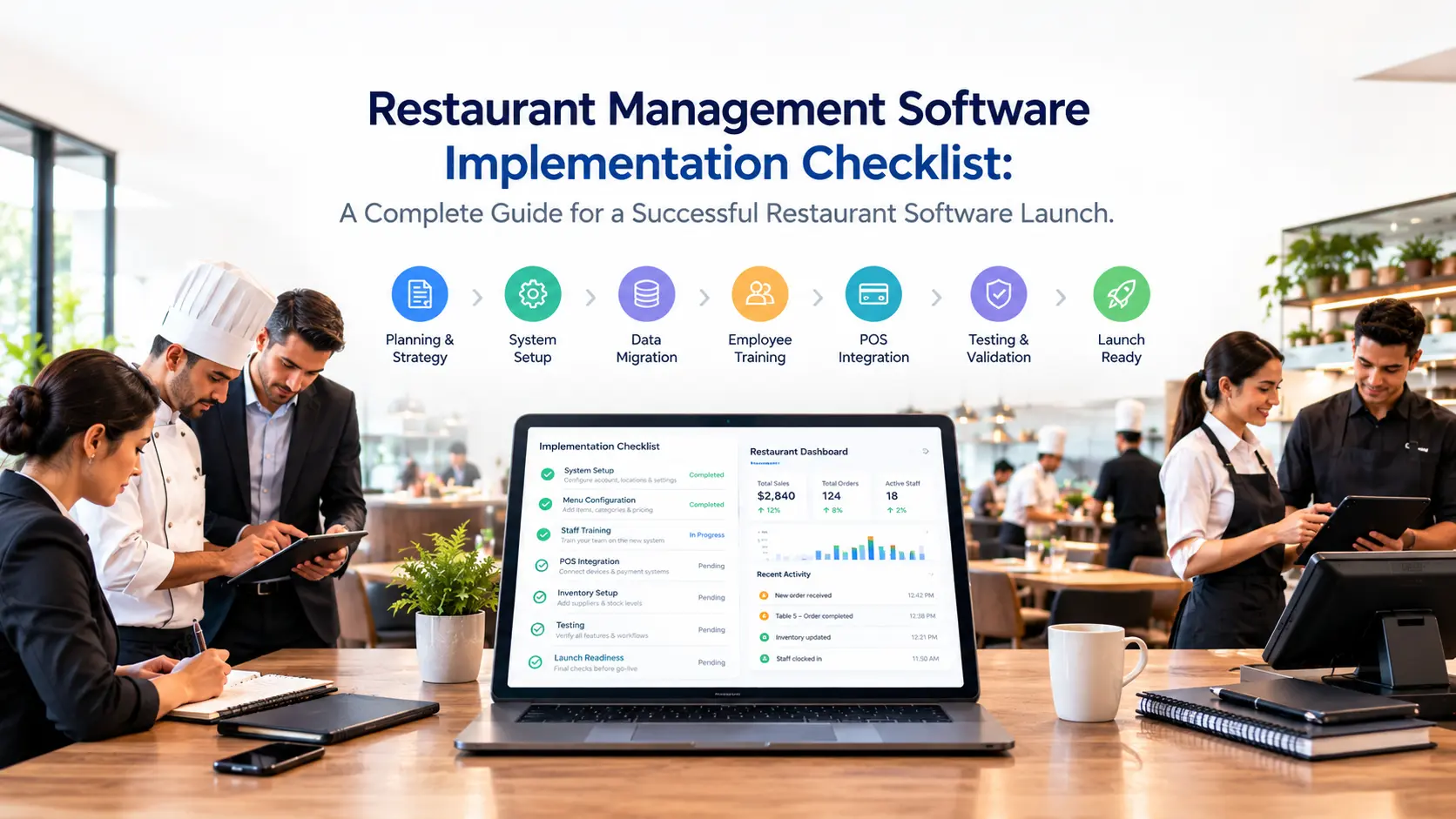
Implementing restaurant management software is not just about installing a new system and creating employee accounts.
A successful restaurant software implementation requires careful planning, data preparation, workflow configuration, employee training, testing, and continuous optimization.
Restaurants adopt management software to solve common operational challenges:
- Slow order processing
- Kitchen communication problems
- Inventory inaccuracies
- Manual reporting
- Reservation conflicts
- Lack of real-time business visibility
However, many restaurants underestimate the importance of implementation.
A powerful restaurant management system can only deliver results when it is correctly configured around the restaurant’s actual operations.
A successful implementation creates a connected environment where:
- Orders move smoothly from customers to kitchens
- Inventory updates automatically
- Staff understand their workflows
- Managers access real-time information
- Owners make better business decisions
This complete checklist explains every step restaurants should follow before, during, and after implementing restaurant management software.
Why Restaurant Management Software Implementation Matters
A restaurant management system connects multiple parts of daily operations:
- Point of sale
- Order management
- Kitchen operations
- Tables and reservations
- Inventory
- Staff management
- Customer relationships
- Analytics
Without proper implementation, restaurants may experience problems even with advanced software.
For example:
A restaurant installs a new system but:
- Menu items are incomplete
- Prices are incorrect
- Staff do not understand workflows
- Kitchen stations are not configured
- Inventory data is inaccurate
The result is frustration instead of improvement.
Proper implementation ensures that technology supports restaurant operations instead of creating additional complexity.
Restaurant Management Software Implementation Checklist Overview
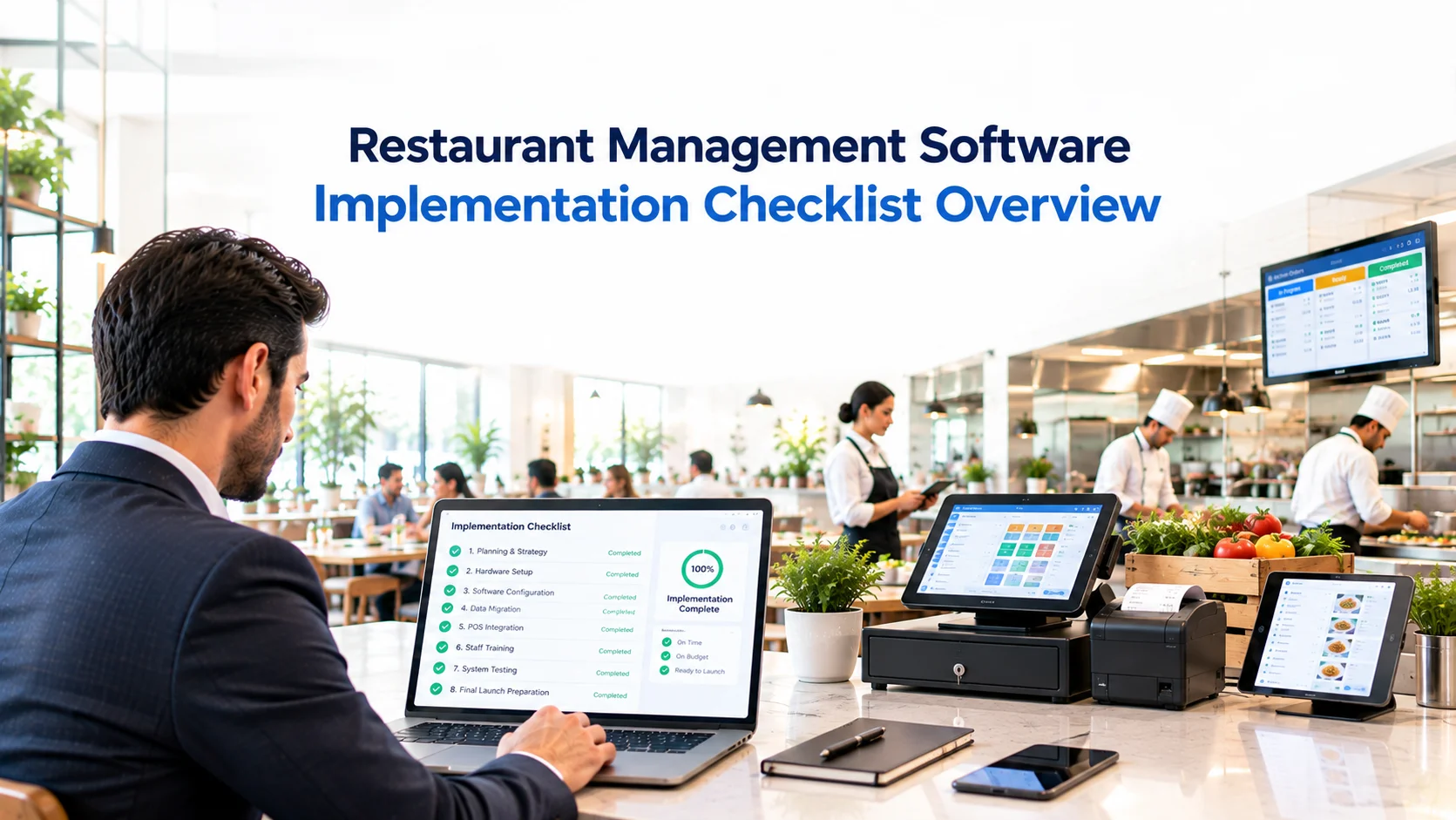
A complete implementation process should include:
✅ Define business goals
✅ Analyze current workflows
✅ Prepare restaurant data
✅ Configure operations
✅ Setup hardware
✅ Connect integrations
✅ Create employee accounts
✅ Train staff✅ Test workflows
✅ Launch gradually
✅ Monitor performance
Step 1: Define Your Restaurant Goals Before Implementation
Before configuring any software, define what you want to improve.
Every restaurant has different priorities.
Some restaurants need faster service.
Some need better inventory control.
Some need centralized management across multiple locations.
Common Restaurant Implementation Goals
Improve Order Accuracy
Restaurants often implement software to reduce:
- Incorrect orders
- Missing modifications
- Communication mistakes
A connected order workflow ensures customers receive exactly what they requested.
Improve Kitchen Efficiency
Kitchen operations often become challenging during busy periods.
Software implementation goals may include:
- Faster order delivery to kitchen
- Better preparation tracking
- Improved station coordination
Improve Inventory Control
Restaurants may want better visibility into:
- Ingredient usage
- Stock levels
- Waste
- Supplier purchasing
Improve Business Reporting
Owners often need better answers:
- Which products sell the most?
- Which hours generate the highest revenue?
- Which branch performs better?
Goal Setting Checklist
Before implementation:
☐ Identify current problems
☐ Define expected improvements
☐ Choose measurable goals
☐ Assign implementation responsibilities
Step 2: Audit Your Current Restaurant Operations
Before moving data or configuring software, understand your current workflow.
A restaurant management system should be configured according to how your business operates.
Review Your Ordering Process
Analyze:
- How customers place orders
- How employees enter orders
- How orders reach the kitchen
- How changes are handled
Questions:
- Are orders written manually?
- Are there multiple ordering channels?
- Are customer requests communicated correctly?
Review Payment Operations
Document:
- Current POS setup
- Payment methods
- Receipt requirements
- Refund process
Consider:
- Cash payments
- Card payments
- Digital payments
Review Kitchen Workflow
Understand:
- How kitchen receives orders
- How preparation is organized
- How completed items are communicated
Identify:
- Delays
- Bottlenecks
- Manual processes
Review Inventory Management
Document:
- Ingredients
- Suppliers
- Stock tracking
- Purchasing process
Understand:
- Who manages inventory?
- How often stock is checked?
- How waste is recorded?
Review Reservation and Table Management
Prepare information about:
- Restaurant layout
- Tables
- Seating capacity
- Booking process
Operations Audit Checklist
☐ Document current workflows
☐ Identify manual processes
☐ Find operational problems
☐ Review existing software
☐ Define improvement areas
Step 3: Prepare Restaurant Data Before Migration
Data preparation is one of the most important implementation stages.
Incorrect data creates operational problems after launch.
Before importing information, clean and organize everything.
Menu Data Preparation Checklist
Prepare:
- Categories
- Menu items
- Prices
- Images
- Descriptions
- Ingredients
- Allergens
- Variations
- Extras
Example:
Instead of:
“Pizza”
Create:
Category:
Pizza
Item:
Margherita Pizza
Ingredients:
- Dough
- Tomato sauce
- Cheese
Options:
- Extra cheese
- Gluten-free base
Inventory Data Preparation
Prepare:
- Products
- Units
- Ingredients
- Suppliers
- Stock levels
- Minimum stock limits
Example:
Ingredient:
Tomato Sauce
Information:
- Supplier
- Measurement unit
- Current quantity
- Reorder level
Customer Data Preparation
If migrating customer information, prepare:
- Customer profiles
- Contact details
- Loyalty information
- Previous interactions
Employee Data Preparation
Prepare:
- Staff accounts
- Roles
- Permissions
Example:
Manager:
- Reports
- Settings
- Staff management
Waiter:
- Orders
- Tables
- Payments
Kitchen:
- Order preparation
Step 4: Configure Restaurant Workflows
After preparing data, configure the system according to your restaurant operations.
Configure Order Workflow
A typical workflow:
Customer Order
↓
POS
↓
Kitchen
↓
Preparation
↓
Completed Order
Configure:
- Order types
- Status stages
- Payment methods
- Printing rules
Configure Kitchen Stations
Every restaurant has different kitchen requirements.
Examples:
Pizza Restaurant:
- Preparation station
- Oven station
- Pickup station
Restaurant:
- Main kitchen
- Drinks
- Dessert
Each station should receive the correct orders.
Configure Table Management
Setup:
- Floor plan
- Tables
- Seating capacity
- Reservation rules
This allows staff to manage guests efficiently.
Configure User Permissions
Define employee access.
Examples:
Manager:
- Reports
- Settings
- Discounts
Staff:
- Orders
- Customer service
Kitchen:
- Preparation workflow
Proper permissions improve security and accountability.
Step 5: Setup Hardware and Devices
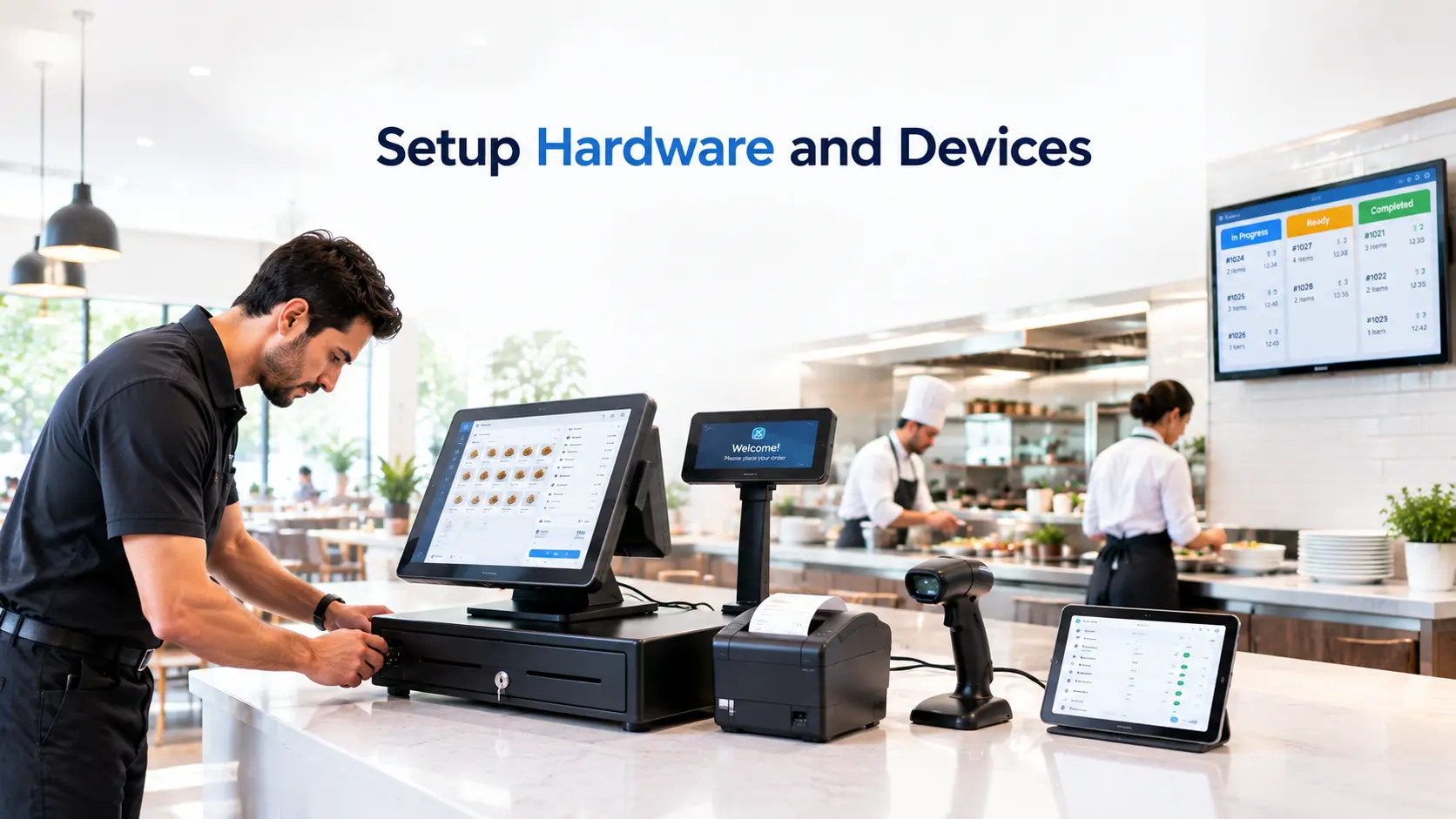
Restaurant software implementation also requires hardware preparation.
POS Hardware
Check:
- POS terminals
- Tablets
- Receipt printers
- Payment devices
Kitchen Hardware
Prepare:
- Kitchen Display System screens
- Kitchen printers
- Preparation devices
Network Setup
Verify:
- Internet reliability
- WiFi coverage
- Device connectivity
Step 6: Connect Restaurant Integrations
A modern restaurant management system becomes more powerful when different operations communicate.
Important integrations include:
POS Integration
Connect:
- Orders
- Payments
- Sales reports
Inventory Integration
Connect:
- Recipes
- Menu items
- Ingredient usage
Reservation Integration
Connect:
- Bookings
- Tables
- Guest information
Customer Integration
Connect:
- CRM
- Loyalty programs
- Marketing activities
Delivery Integration
Connect:
- Delivery orders
- External ordering channels
Step 7: Train Restaurant Staff Before Launch
Employee adoption determines implementation success.
Even the best software will fail if staff do not understand how to use it.
Training should be role-based.
Waiter Training
Teach:
- Creating orders
- Managing tables
- Applying modifications
- Handling payments
Kitchen Training
Teach:
- Reading kitchen orders
- Updating statuses
- Managing preparation workflow
Manager Training
Teach:
- Reports
- Inventory
- Settings
- Employee management
Step 8: Test Everything Before Going Live
Before launch, test every important workflow.
Order Testing
Test:
☐ Dine-in orders
☐ Takeaway orders
☐ Delivery orders
☐ Order modifications
Kitchen Testing
Verify:
☐ Orders reach correct station
☐ Preparation status works
☐ Completed orders update correctly
Payment Testing
Verify:
☐ Payment methods
☐ Receipts
☐ Refund process
Inventory Testing
Verify:
☐ Stock deduction
☐ Ingredient tracking
☐ Low-stock alerts
Step 9: Launch Restaurant Software Gradually
Avoid changing everything overnight.
A gradual launch reduces operational risk.
Recommended Launch Approach
Phase 1: Internal Testing
Employees practice workflows.
↓
Phase 2: Limited Launch
Use software in one area.
↓
Phase 3: Full Restaurant Launch
All operations move to the system.
↓
Phase 4: Optimization
Improve workflows based on feedback.
Step 10: Monitor and Optimize After Launch
Implementation does not finish on launch day.
Restaurants should continuously review:
- Staff feedback
- Customer experience
- Order speed
- Inventory accuracy
- Reports
Optimization improves long-term results.
Common Restaurant Software Implementation Mistakes
1. Migrating Poor Quality Data
Incorrect menu or inventory information creates problems.
Solution:
Clean data before migration.
2. Ignoring Staff Training
Employees need confidence before using the system.
Solution:
Provide role-based training.
3. Configuring Software Without Understanding Operations
Software should support workflows.
Solution:
Map restaurant processes first.
4. Launching Too Quickly
Sudden changes create confusion.
Solution:
Use gradual rollout.
5. Ignoring Kitchen Operations
Many restaurants focus only on POS.
Solution:
Include kitchen workflow from the beginning.
Restaurant Management Software Implementation Timeline
Typical timeline:
| Stage | Duration |
| Planning | 1–2 weeks |
| Data preparation | 1 week |
| Configuration | 1–2 weeks |
| Training | Several days |
| Testing | Several days |
| Launch | Gradual |
The exact timeline depends on:
- Restaurant size
- Number of locations
- Data complexity
- Integrations required
How To Measure Implementation Success
After launch, measure:
Operational Efficiency
- Faster order processing
- Reduced mistakes
- Improved communication
Financial Performance
- Better inventory control
- Reduced waste
- Improved sales visibility
Customer Experience
- Faster service
- Better accuracy
- Improved satisfaction
How AI Is Changing Restaurant Software Implementation
Modern restaurant platforms are becoming more intelligent.
AI can support restaurants with:
- Automated customer conversations
- Demand forecasting
- Inventory recommendations
- Operational insights
AI helps restaurants move from simply managing operations to improving them.
Final Restaurant Management Software Implementation Checklist
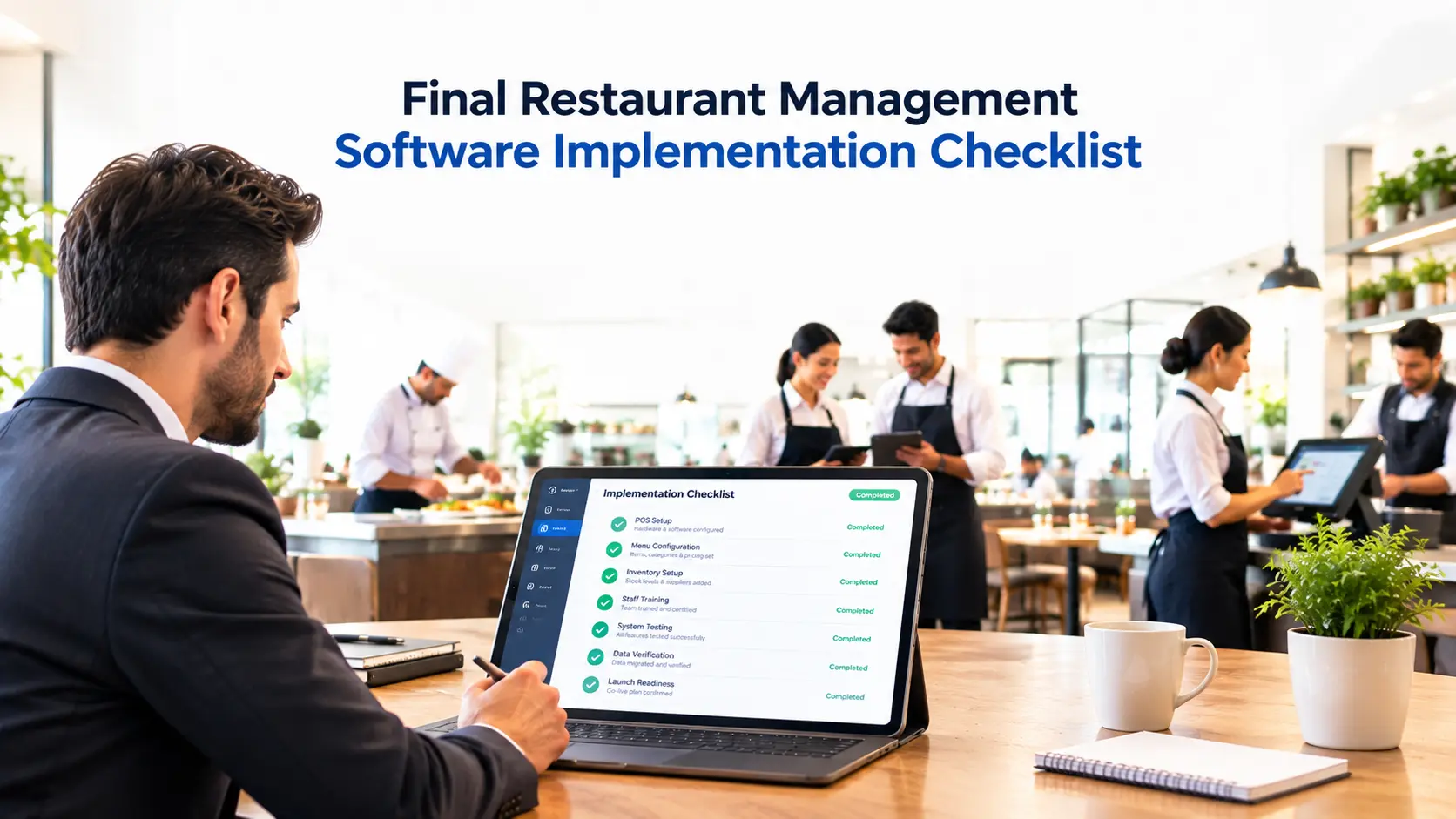
Planning
☐ Define goals
☐ Audit operations
☐ Assign responsibilities
Data
☐ Prepare menu
☐ Prepare inventory
☐ Prepare customers
☐ Prepare employees
Setup
☐ Configure POS
☐ Configure kitchen
☐ Configure tables
☐ Configure permissions
Launch
☐ Train staff
☐ Test workflows
☐ Monitor performance
☐ Optimize processes
Conclusion
Restaurant management software implementation is not just a technology project.
It is an operational transformation.
The most successful restaurants do not simply install software. They carefully connect their workflows, prepare their teams, organize their data, and continuously improve their operations.
A properly implemented restaurant management system creates a connected environment where:
- Orders move faster
- Kitchens work efficiently
- Inventory stays controlled
- Staff collaborate better
- Owners gain real-time visibility
The goal is simple:
Create one connected restaurant operation that helps your team serve customers better and run the business smarter.
Frequently Asked Questions
How long does restaurant management software implementation take?
Implementation time depends on restaurant size, complexity, and integrations. Small restaurants may complete setup quickly, while larger multi-location businesses require more planning.
What data needs to be prepared before implementation?
Restaurants should prepare menu items, prices, ingredients, inventory information, suppliers, customers, and employee roles.
How do restaurants train employees on new software?
Successful implementations provide role-based training for managers, servers, kitchen staff, and administrators.
Can restaurants implement software without stopping operations?
Yes. A gradual rollout allows restaurants to continue operating while transitioning to the new system.
What is the biggest mistake during restaurant software implementation?
The biggest mistake is focusing only on software setup while ignoring workflows, staff training, and operational preparation.