
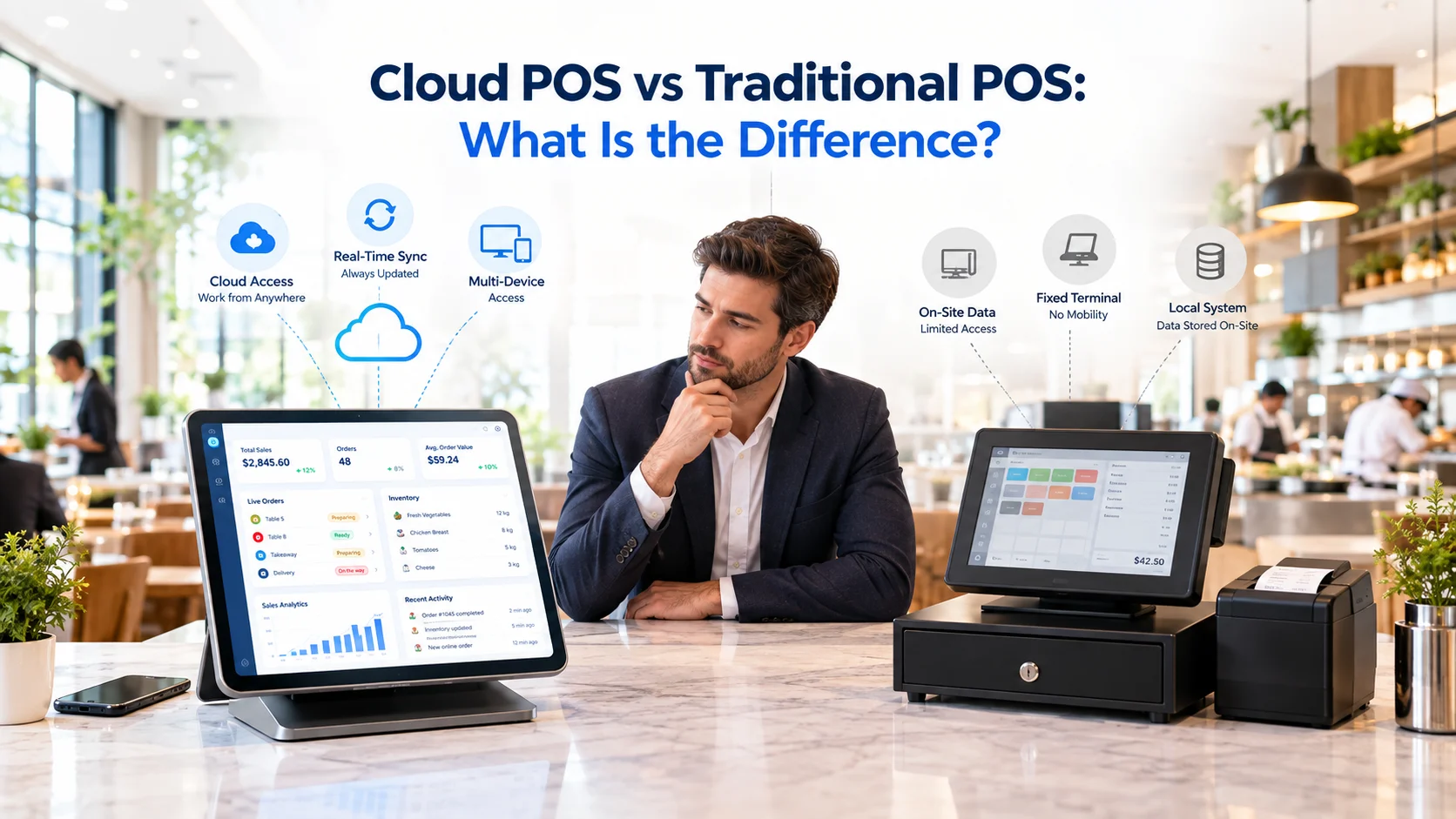
Choosing a point-of-sale system is an important decision for any restaurant. The POS does more than process payments—it can influence how orders move to the kitchen, how managers access reports, how updates are installed and how restaurant data is stored.
Two common options are cloud POS systems and traditional POS systems.
A traditional POS normally stores its software and data on computers or servers located inside the restaurant. A cloud POS stores and synchronizes information through remote servers, allowing authorized users to access the system through an internet-connected device.
Both approaches can process orders and payments, but they differ considerably in installation, maintenance, accessibility, costs and scalability.
This guide explains the differences between cloud POS and traditional POS systems so restaurant operators can understand which setup fits their operational requirements.
What Is a Cloud POS System?
A cloud POS system is point-of-sale software that stores and synchronizes operational data through remote servers.
Restaurant staff may access the POS through compatible tablets, computers or other supported devices. Orders, payments, menu changes and reports can be synchronized across the system according to its configuration.
A restaurant cloud POS may support:
- Dine-in, takeaway and delivery orders
- Menu and price management
- Kitchen order routing
- Payment processing
- Sales reporting
- Inventory connections
- Staff permissions
- Customer information
- Multi-location management
Because information is synchronized through the cloud, authorized owners and managers may be able to review restaurant activity without being physically present at the location.
What Is a Traditional POS System?
A traditional POS system, also called an on-premise or legacy POS, normally runs through local computers and servers installed inside the restaurant.
The software and operational data are primarily managed through that local infrastructure. The restaurant may need dedicated terminals, an on-site server and technical assistance for installation, updates and maintenance.
Traditional systems can provide stable local processing and may continue operating within the restaurant’s internal network when internet access is unavailable. However, remote access, external integrations and system expansion can require additional configuration.
Cloud POS vs Traditional POS: Quick Comparison
| Feature | Cloud POS | Traditional POS |
|---|---|---|
| Data storage | Remote cloud infrastructure | Local server or computer |
| Installation | Usually software-based setup | Often requires on-site installation |
| Remote access | Available on supported connected devices | Usually limited without extra configuration |
| Updates | Commonly delivered remotely | May require manual installation |
| Initial cost | Often lower upfront investment | Can require higher hardware and installation costs |
| Ongoing cost | Usually subscription-based | Maintenance and licensing costs may apply |
| Scalability | Locations and devices can be added more easily | Expansion may require additional infrastructure |
| Integrations | Commonly connected through APIs | Compatibility depends on the installed system |
| Internet requirement | Internet is normally required for synchronization | Core system may operate through a local network |
| Data responsibility | Shared with the cloud service provider | Primarily managed by the restaurant |
The exact capabilities depend on the POS provider, hardware, payment configuration and available integrations.
1. Installation and Setup
Cloud POS systems are usually installed as applications or accessed through supported web interfaces. This can reduce the need for a large local server installation.
A restaurant may still need compatible devices, payment terminals, receipt printers, cash drawers and kitchen displays, but the main POS software is managed through the cloud platform.
Traditional POS installation can involve:
- Dedicated terminals
- A local server
- Internal network configuration
- Licensed software
- On-site technical setup
- Manual device configuration
For restaurants opening multiple locations, repeating a traditional installation at every branch may require additional time and infrastructure.
2. Data Storage and Accessibility
A major difference between cloud and traditional POS systems is where restaurant data is stored.
Cloud POS data is stored and synchronized through remote infrastructure. Authorized managers may be able to access sales, orders and operational reports from supported devices wherever secure access is available.
Traditional POS data is normally stored on a local computer or server. Access may therefore be limited to the restaurant unless remote-access functionality has been separately configured.
Remote access can be useful for restaurant owners who need to monitor:
- Daily sales
- Order activity
- Branch performance
- Staff transactions
- Menu performance
- Operational reports
Restaurants should still apply appropriate permissions so employees only access the information required for their roles.
3. Internet Connection and Offline Operations
Cloud POS systems depend on internet connectivity for data synchronization and remote services.
However, internet dependence does not always mean that every cloud POS stops operating immediately when the connection is interrupted. Some platforms provide offline or hybrid functionality that can temporarily store selected transactions locally and synchronize them when connectivity returns.
The extent of offline functionality varies between providers. Restaurants should verify:
- Whether orders can still be created
- Which payment methods remain available
- Whether kitchen tickets continue to work
- How transactions are synchronized
- What happens if multiple devices make changes offline
Traditional POS systems generally operate through the restaurant’s local network. This can make core local operations less dependent on an external connection, although online payments, delivery integrations and cloud services may still require internet access.
4. Software Updates and Maintenance
Cloud POS providers commonly manage software updates remotely. New features, security improvements and technical fixes can be distributed without replacing the restaurant’s local server.
This can reduce the amount of manual maintenance handled by restaurant staff.
Traditional POS updates may require:
- Manual software installation
- Technician assistance
- Server maintenance
- Hardware upgrades
- Scheduled downtime
A locally installed system also gives the restaurant more direct control over when certain updates are applied. For organizations with specialized infrastructure, that control may be important.
5. Costs and Pricing Structure
Cloud and traditional POS systems normally use different cost structures.
Cloud POS systems commonly involve:
- A monthly or annual software subscription
- Device or user charges
- Payment-processing fees
- Optional module costs
- Integration charges
- Support or onboarding fees
Traditional POS systems may involve:
- Higher initial hardware costs
- Software licensing
- Local server installation
- Technical setup
- Maintenance contracts
- Hardware replacement
- Upgrade fees
A cloud POS may reduce the initial infrastructure investment, but subscription costs continue over time. A traditional system may require more spending at installation, followed by maintenance and future upgrade costs.
Restaurants should compare the complete cost of ownership rather than looking only at the initial price.
6. Scalability and Multi-Location Management
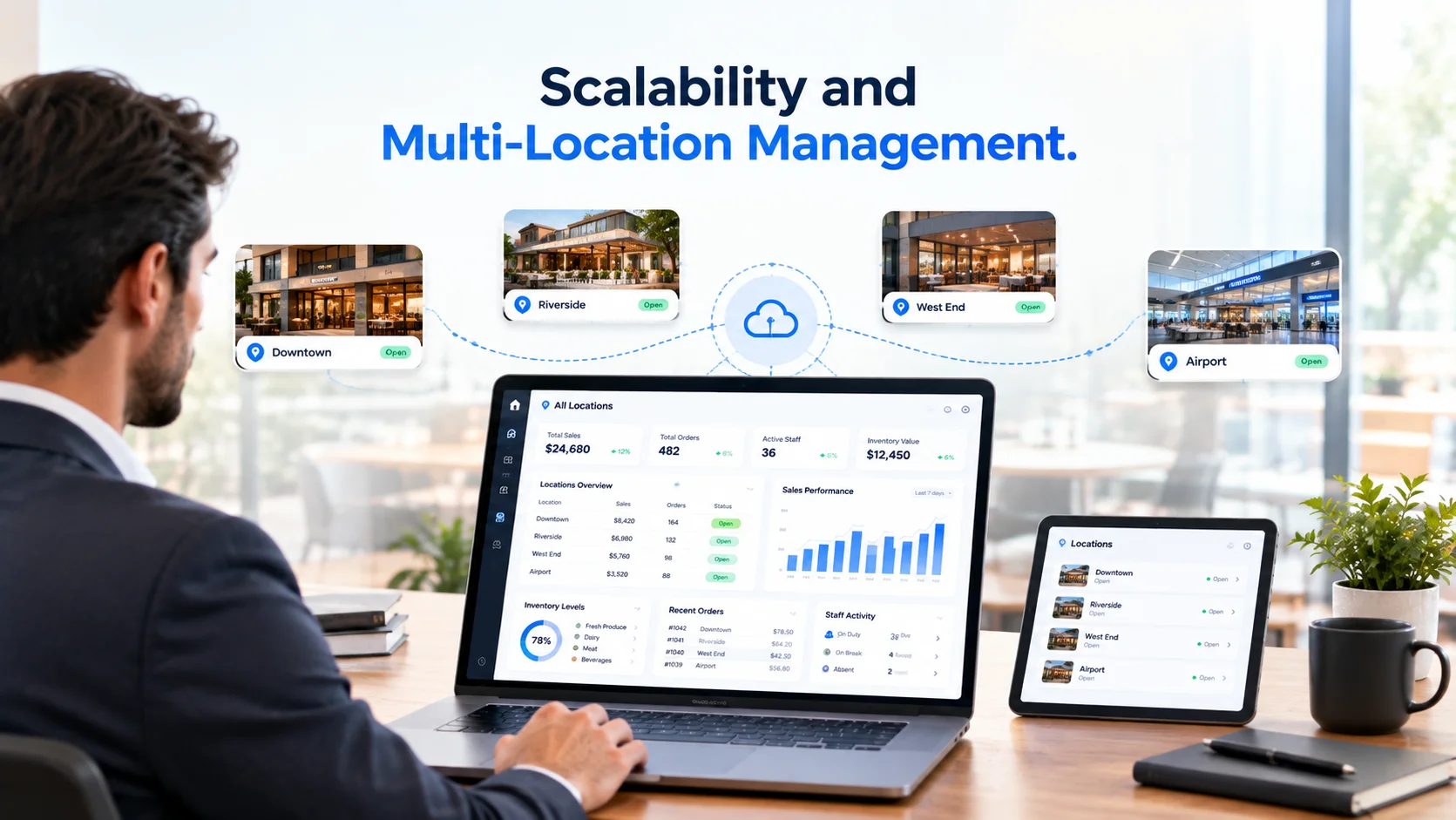
Cloud POS systems are often designed to connect multiple restaurant locations through one central platform.
Depending on the software, restaurant groups may be able to:
- Add new branches
- Manage menus across locations
- Compare branch reports
- Configure staff permissions
- Review sales from one dashboard
- Apply location-specific settings
Traditional systems can also support multiple locations, but connecting separate local installations may require additional servers, networking and technical configuration.
For a restaurant planning to expand, it is important to ask how the POS manages branch-level data, user access and centralized reporting.
7. Integrations and Connected Operations
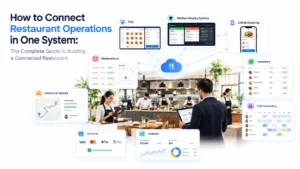
Modern restaurants often use several operational systems, including:
- Kitchen displays
- Inventory management
- Reservation systems
- Online ordering
- Delivery channels
- Customer management
- Loyalty programs
- Accounting software
- Staff management
Cloud POS platforms commonly exchange information with other systems through APIs or built-in integrations.
Traditional POS systems may also support integrations, but compatibility can depend on the software version, local infrastructure and available technical connections.
Before selecting a system, restaurants should confirm which integrations are currently available and whether they require additional subscriptions or implementation costs.
8. Security and Data Protection
Both cloud and traditional POS systems require strong security practices.
With a cloud POS, the provider typically manages areas such as server infrastructure, platform updates, backups and parts of system security. The restaurant remains responsible for account access, staff permissions, device security and correct system configuration.
With a traditional POS, the restaurant may have greater responsibility for:
- Local server protection
- Software updates
- Backups
- Network security
- Physical hardware security
- Disaster recovery
Restaurants operating in Europe should also review how their POS provider manages personal data, access controls, retention and GDPR-related responsibilities.
No POS system becomes secure simply because it is cloud-based or locally installed. Security depends on the complete technical setup and how the system is managed.
Advantages of a Cloud POS System
A cloud POS may provide:
- Remote access to restaurant data
- Centralized multi-location management
- Software updates delivered remotely
- Easier connection with other digital systems
- Lower initial infrastructure requirements
- Flexible device options
- Centralized reporting and permissions
These benefits can be valuable for restaurants that need connected workflows or expect to add more locations and sales channels.
Advantages of a Traditional POS System
A traditional POS may provide:
- Strong local operational control
- Reduced dependence on cloud synchronization for local functions
- Compatibility with established restaurant infrastructure
- Control over update schedules
- Support for highly customized local environments
This approach may suit restaurants that already have dedicated IT infrastructure or require a specialized on-premise configuration.
Which POS System Is Suitable for Your Restaurant?
The appropriate choice depends on how the restaurant operates.
A cloud POS may be suitable when the restaurant needs:
- Remote reporting
- Multiple connected locations
- Flexible devices
- Centralized menu management
- Online integrations
- Easier software updates
- A subscription-based setup
A traditional POS may be suitable when the restaurant needs:
- Primarily local operations
- Direct control over local infrastructure
- A specialized on-site system
- Compatibility with existing legacy hardware
- Limited dependence on remote services
Restaurants should also consider internet reliability, support availability, data migration, payment compatibility and staff training before making a decision.
What Should Restaurants Ask Before Choosing a POS?
Before choosing a cloud or traditional POS system, ask the provider:
- What happens when the internet connection is unavailable?
- Which features work offline?
- How is restaurant data backed up?
- Can reports be accessed remotely?
- Which payment terminals are supported?
- Does the system connect with inventory and kitchen operations?
- Can it manage multiple branches separately?
- How are staff permissions controlled?
- What onboarding and support are included?
- What is the complete monthly and long-term cost?
- How can restaurant data be exported?
- Which features require additional subscriptions?
Clear answers to these questions can help a restaurant avoid unexpected operational and technical limitations.
How Kappino Connects Restaurant POS Operations
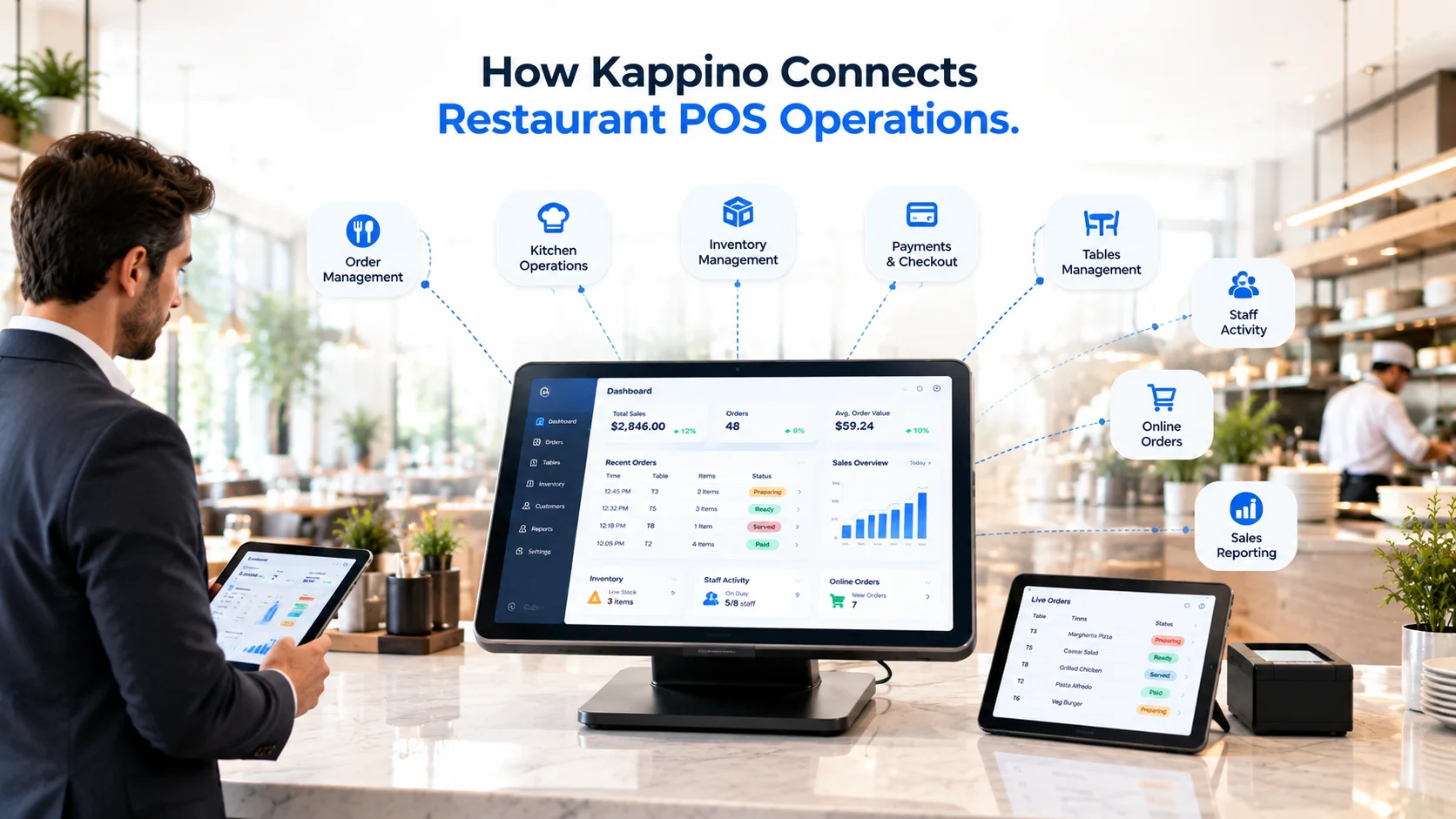
Kappino provides restaurant POS software designed to connect ordering, kitchen workflows, inventory, reporting and other daily operations through one platform.
Instead of treating the POS as an isolated payment terminal, Kappino connects transaction information with the wider restaurant workflow. Restaurants can explore Kappino’s restaurant POS software to understand its supported features, devices and operational setup.
Frequently Asked Questions
What is the main difference between cloud POS and traditional POS?
A cloud POS stores and synchronizes information through remote servers, while a traditional POS primarily operates through computers and servers installed at the restaurant.
Can a cloud POS work without the internet?
Some cloud POS systems offer limited offline or hybrid functionality. The available features differ between providers, so restaurants should verify how ordering, payments and synchronization work during an outage.
Is a cloud POS less expensive than a traditional POS?
A cloud POS often requires less initial infrastructure but usually includes continuing subscription costs. Traditional systems may require a larger upfront investment alongside ongoing maintenance and upgrade expenses.
Is a cloud POS secure?
A properly configured cloud POS can provide strong security, centralized updates and managed backups. Security also depends on the provider, access controls, staff practices, devices and restaurant configuration.
Can a traditional POS manage multiple restaurants?
Yes, but connecting multiple on-premise installations may require additional servers, networking and technical configuration. Cloud systems often provide centralized branch management as part of their platform.
Can restaurants switch from a traditional POS to a cloud POS?
Yes. The migration process may involve exporting menu, customer, employee and sales information from the existing system. Data compatibility, payment hardware and staff training should be reviewed before migration.
Conclusion
Cloud and traditional POS systems can both support restaurant sales and payment operations, but they use different technical models.
Cloud POS systems focus on connected data, remote access, centralized updates and easier expansion. Traditional POS systems focus on locally installed infrastructure and direct control over on-site operations.
The right choice depends on the restaurant’s locations, internet reliability, integrations, hardware, security requirements and long-term operational plans.
Before selecting a system, restaurants should evaluate how the POS will connect with orders, kitchen operations, inventory, payments and reporting—not only how it processes a transaction.